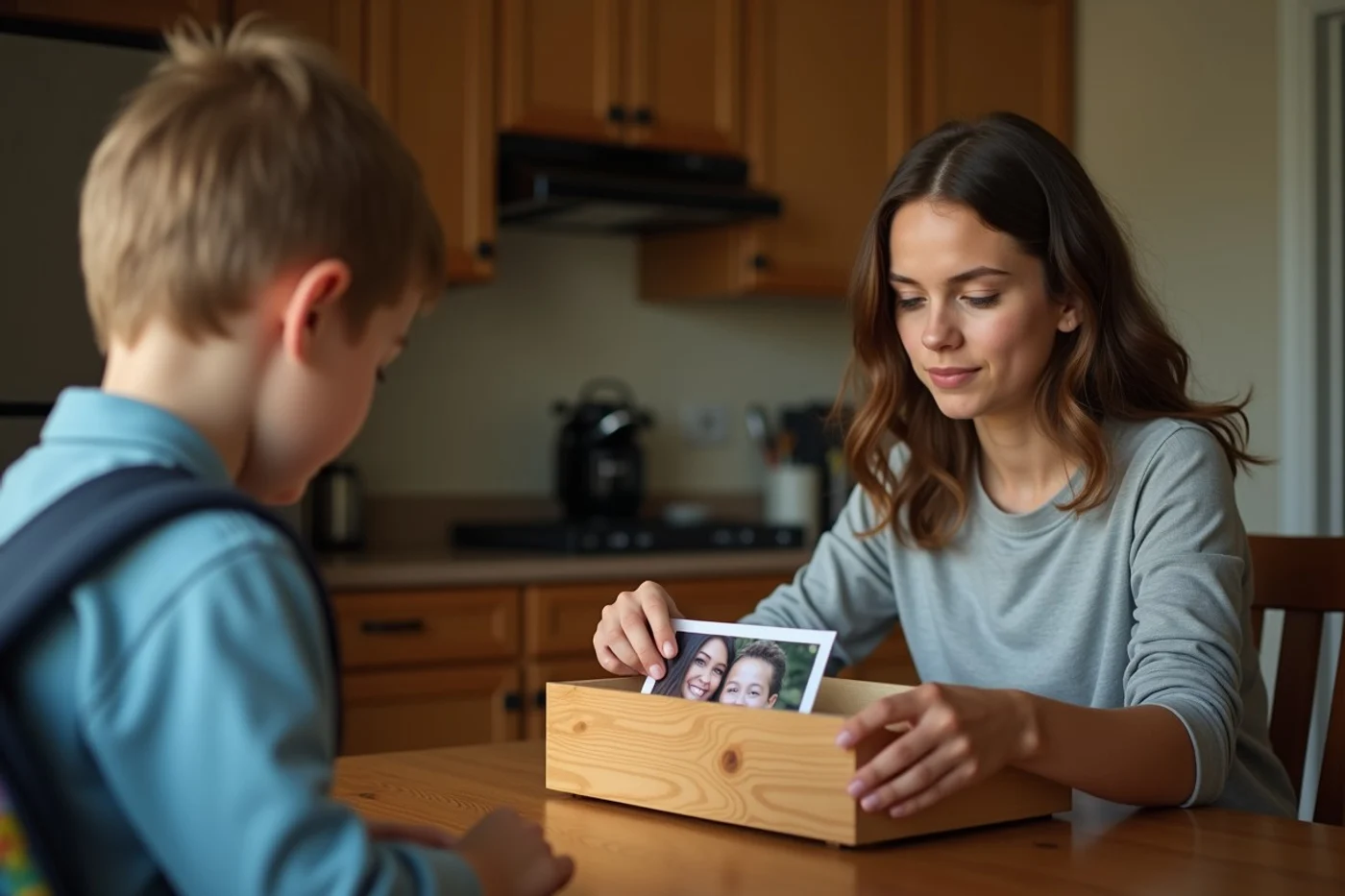
Protect family details before choosing an app, not after a match asks for them. The safer dating apps for single parents in Louisville are the ones whose current U.S. settings let you limit location exposure, control profile visibility, block quickly, and report misconduct with supporting material. For example, a profile can say you are a parent without showing a child, naming a school, or revealing which Louisville neighborhood anchors your weekly routine.
Published by Open Connection
No dating app can verify every claim a member makes

A verification badge may show that an account completed a photo comparison or an identity-related step. It does not establish that every photo is current, that a stated job or relationship status is true, or that the person will act honestly in conversation. Photo checks are narrower still: they address whether an account holder can complete the app's check, not the full biography attached to the profile.
Moderation removes or restricts accounts after app rules are triggered or a report is reviewed; it cannot inspect every message before it arrives. Treat background-screening language with the same skepticism. Read what the service says it checks, where it applies, and what it excludes. A badge is one data point, not permission to share a home address, children’s names, or a personal phone number.
Before publishing a profile that mentions your children
A public dating profile can reveal far more than its writer intends. A child’s face, name on a sports jersey, school logo, graduation year, team name, or a recognizable home exterior can identify a family. So can a photo taken repeatedly at the same playground, a caption about a custody-week schedule, or a bio that combines a job, a small Louisville area, and a precise parenting routine. Even a casual line about being free only on alternate weekends gives a stranger information that belongs off the profile.
State only the point relevant to dating: that you are a parent and what relationship pace fits your life. Use adult-only photos without children, school signs, vehicle plates, house numbers, or routine locations in view. Leave out children’s ages, names, images, medical information, schools, activities, and any detail that lets someone map handoffs or after-school time. A broad Louisville service-area setting is enough at this stage; there is no reason to identify your street, workplace, or a child’s usual neighborhood. Family information can remain private even after conversation begins.
Verification, privacy, blocking, and reporting controls
- Control: Photo and identity checks What To Confirm: Whether checks are optional, what the badge means, and whether unverified profiles can contact you. Decision Effect: Prefer settings that let you screen for verified accounts without treating verification as proof of character.
- Control: Location and profile visibility What To Confirm: Whether distance is shown precisely, whether your profile appears broadly, and whether discovery can be paused. Decision Effect: Choose the least precise location setting that still produces Louisville-area matches.
- Control: In-app calls or video What To Confirm: Whether communication can remain inside the app and whether calls can be ended or blocked there. Decision Effect: An in-app option can postpone sharing a personal number.
- Control: Blocking What To Confirm: Whether blocking removes the profile and message thread from your view and prevents renewed contact. Decision Effect: A block control should be easy to find before a problem occurs.
- Control: Reporting and evidence What To Confirm: Report categories, confirmation of receipt, options to attach screenshots, and what happens to the conversation record. Decision Effect: Use services that explain the reporting path clearly enough to preserve relevant details.
Strong controls matter only when local moderation is responsive
Match activity and moderation are separate questions. A large Louisville service area can produce plenty of profiles while still leaving you to sort through thin biographies, copied photos, or accounts that push immediately for off-app contact. Before investing family information or time, check the profiles presented within your chosen distance and age settings. Recent-looking, complete profiles that can communicate in-app are a better opening condition than a large headline number you cannot inspect.
Moderation becomes visible when an actual problem is reported. The meaningful signs are a clear category for the conduct, a receipt or status message, an explanation of what information to include, and a block function that works at once. Repeated requests for money, pressure to move to a private channel, or profiles that recycle the same photos and text deserve a report and an immediate block. Louisville users should also note whether the app's distance setting pulls in people beyond the part of the metro area they can realistically reach; a broad radius can create a busy-looking feed that is poor for local dating.
Verify every protection on the app’s official support pages
Before creating a profile, save a short comparison of each app’s U.S. help pages: the meaning and eligibility rules for verification, location controls, visibility settings, block and report steps, data handling, device requirements, and any feature limits. Check these pages again before sharing family information. A control advertised on a sign-up screen may require a certain device, account status, or setting you have not enabled.
Treat an app as a place to screen contacts, not a shortcut to trust. For a Louisville single parent, the sensible pick is the service that explains its controls plainly and lets you use them before a stranger learns anything that could identify your children, routine, or home.